Build it. Measure it. Survive the night.
Diggerton is a free blocky building-and-adventure game that runs in your browser. No install. No account. Just play.
Sculpt any block to the tenth.
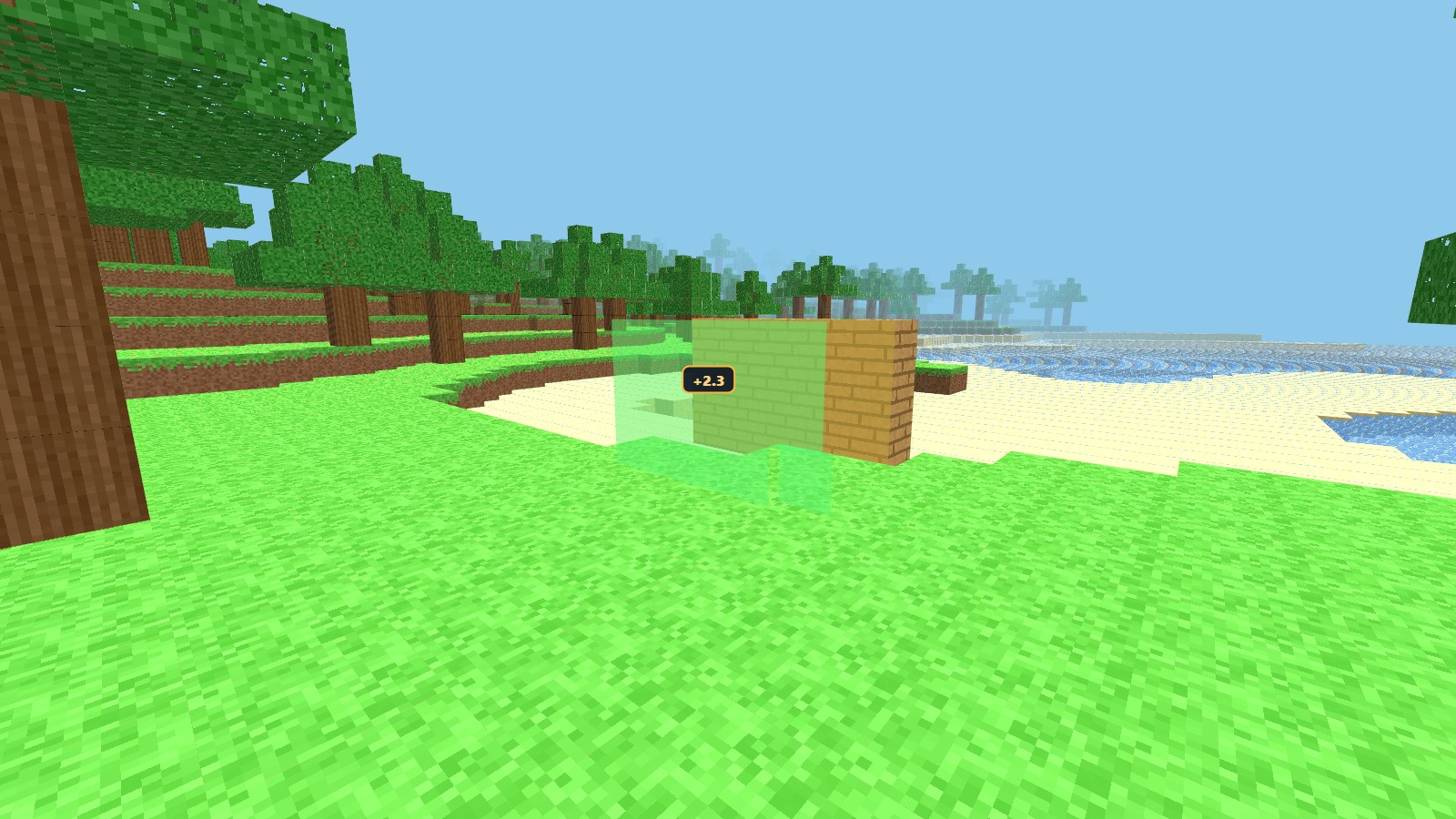
Most blocky games stop at whole blocks. In Diggerton, every block face can be pushed or pulled in fine 0.1 steps, like working clay — with a live readout that shows exactly how far you've gone.
- Select one face, several, or a whole wall with a double-click.
- Drag, tap the fine-step buttons, or use the arrow keys.
- A green preview and a number like +2.3 show the change before you commit.
- In Survival, growing costs real blocks — a 0.1 slice costs 0.1 of a block, and shrinking gives them back.
Measure twice, dig once.
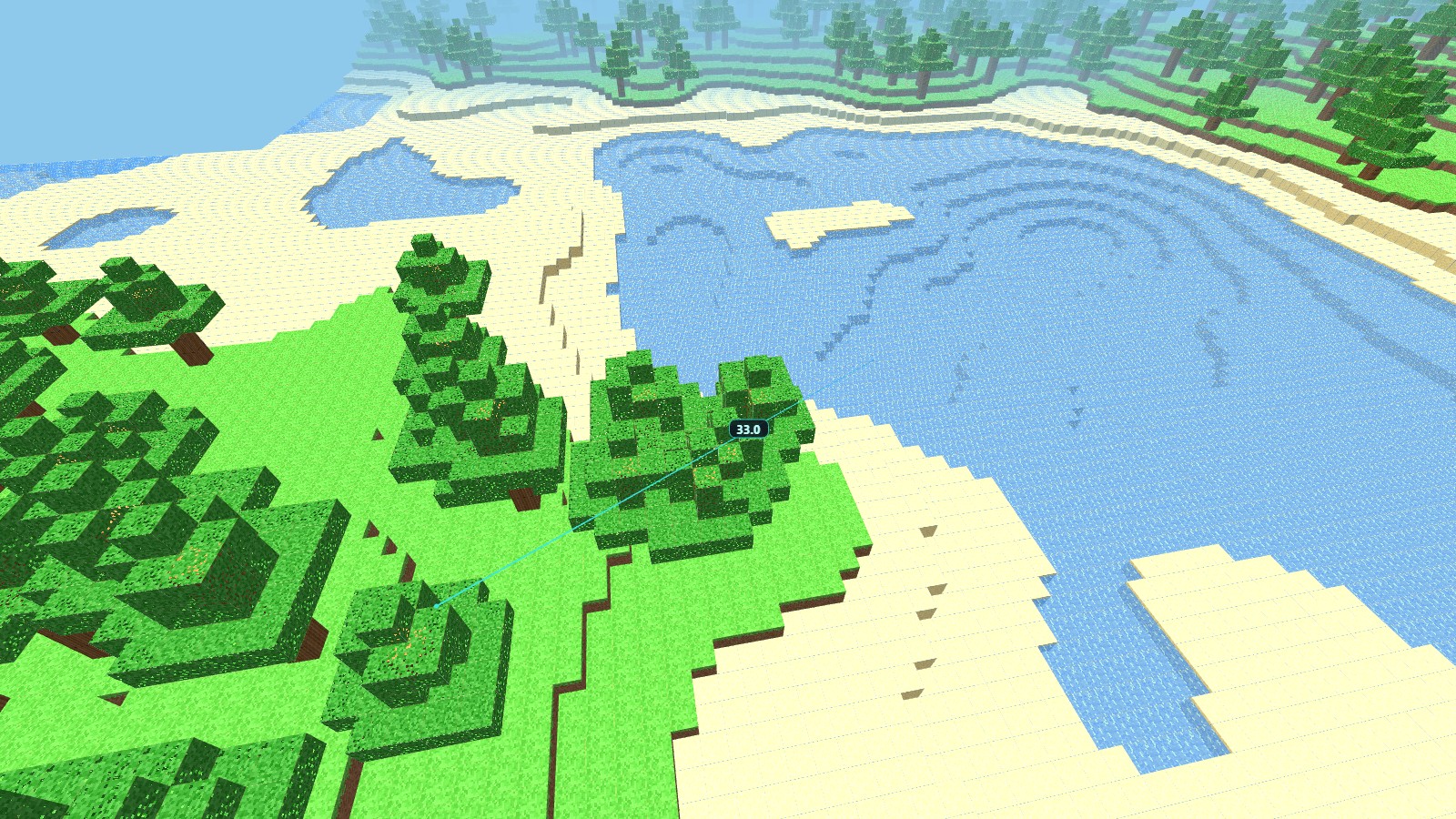
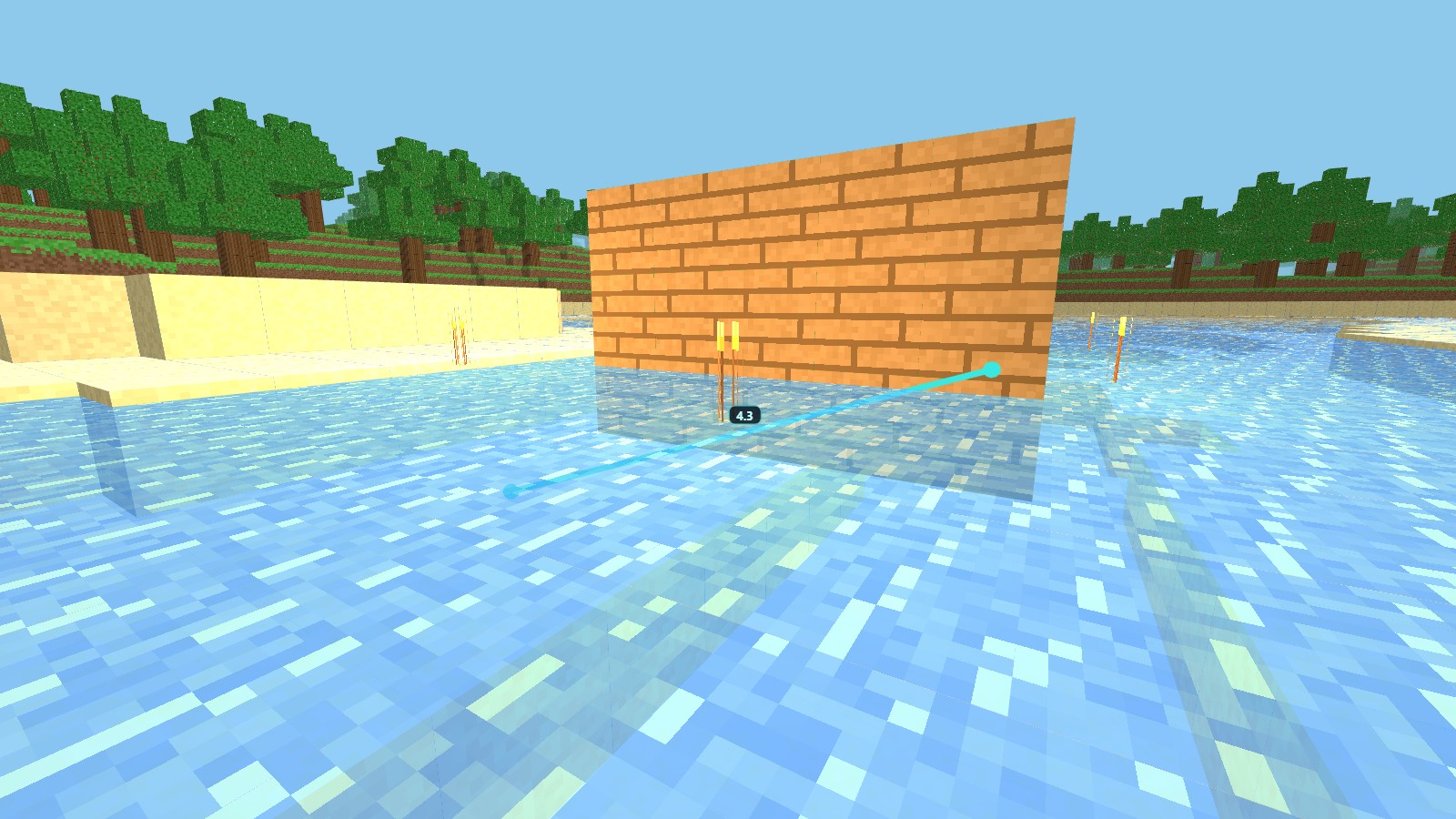
Click any two points and get the distance in blocks, accurate to one decimal. Leave as many measuring lines up as you like while you plan bridges, halls and towers — then clear them with one tap.
Together with 0.1-step sculpting, it turns rough block piles into buildings with real proportions.
They burn at dawn.
Creative gives you endless blocks, flight, and no danger — pure building.
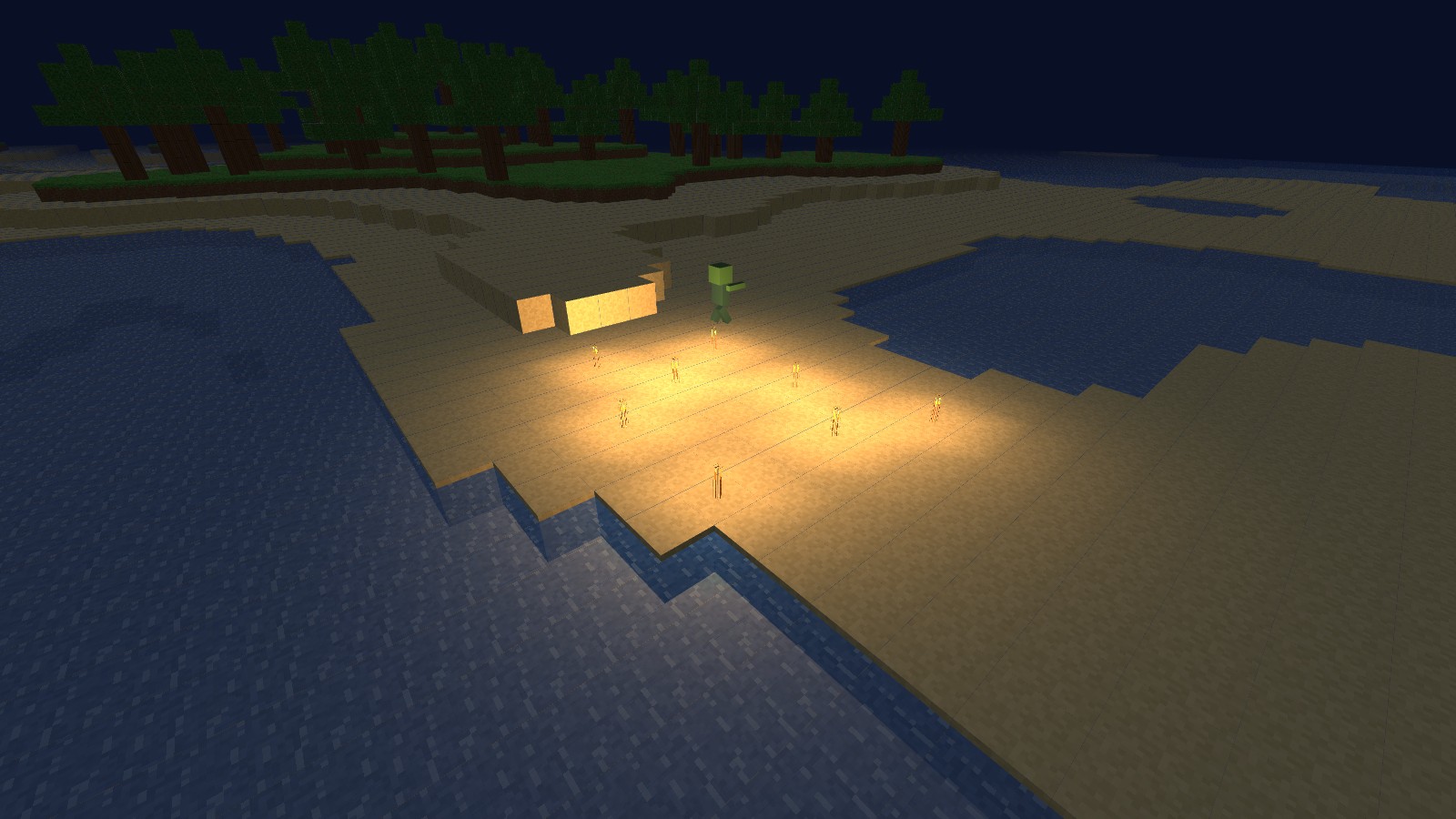
Survival gives you health and hunger. Punch trees, craft tools, cook up torches, and build your walls before dark: shamblers come out at night and they are not friendly. Hold out until sunrise and watch them burn.
- Craft from logs to planks to pickaxes to a full toolset.
- Torches push back the dark and keep spawns away.
- Days run on a real clock — night always comes.
See it played.
Three short lessons straight from the game, every keystroke captioned on screen. Watch one, then try it yourself.
The basics
Start a world, walk with WASD, dig with the left mouse button, place with the right.
Sculpting
Press Q, click a face, pull it out 0.1 at a time — or grab a whole wall at once.
Measuring
Press M, click two points, read the distance — accurate to one decimal.
Playing takes three steps.
Open the game
Press Play now. It loads in seconds, right in this browser — phone, tablet or computer.
Start a world
Click New World. Every world is generated fresh — your beaches and forests will be yours alone.
Walk, dig, build
Move with WASD and the mouse, or the on-screen stick on touch. The player guide covers every tool.
Prefer to keep it forever? Download the offline copy — two small files that run with a double-click, no internet needed.